
On 7 July 2026 Google introduced platform properties, a new way to see how your social and video posts perform on Google Search. On 29 July it went live for everyone.
Most of the coverage is aimed at content creators. This is what it means if you run a building or plumbing business.
The short answer
Google Search Console now reports how your Instagram, TikTok, X and YouTube posts are found through Google Search. It is a free measurement tool, not a ranking change. Facebook is not included. Connecting takes fifteen minutes and reporting starts from the day you do it.
What it actually does
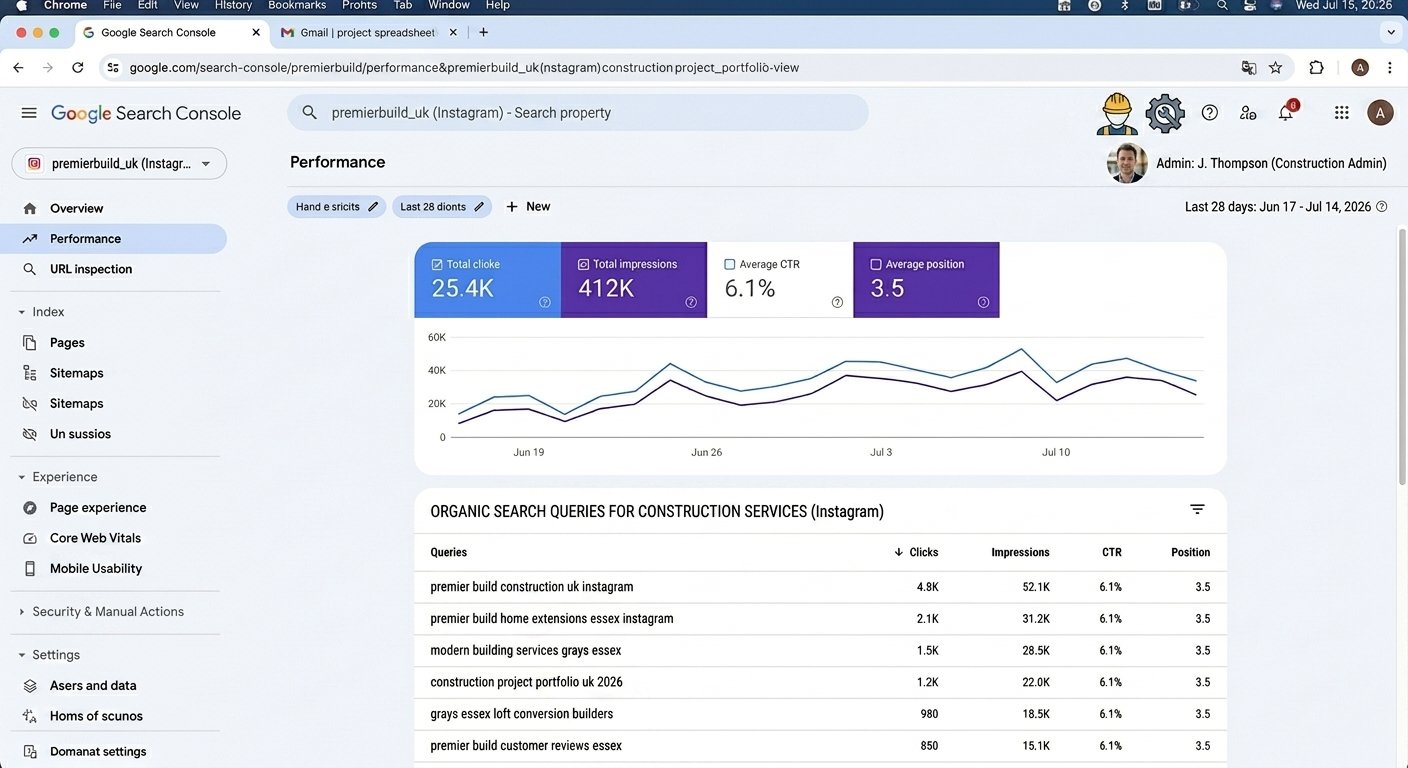
Search Console has always been a tool for websites. It tells you which Google searches brought people to your pages.
Platform properties extend that to four social platforms: Instagram, TikTok, X and YouTube. Connect an account and Google will report how that content is being discovered on Google Search, Discover and Google News.
You get two reports. Insights shows your clicks over the last 28 days, your best-performing posts, the search terms people used to find you, and which countries they came from. Performance lets you dig in and filter by country, date or search term. There is also a 24-hour view for spotting something taking off, and query groups showing which themes are trending up and which are trending down.
Source: Google Search Central, Analyze your social and video platform content performance, last updated 29 July 2026.
Let me be clear about one thing straight away
This is not an algorithm change and connecting your account will not raise your position in Google.
It is a measuring tool. It shows you something that was already happening and that you previously could not see.
That distinction matters because you will read posts this month implying that connecting your Instagram will get you found. It will not.
Facebook is not included
Worth saying loudly, because it is the first thing that should occur to anyone in the trades.
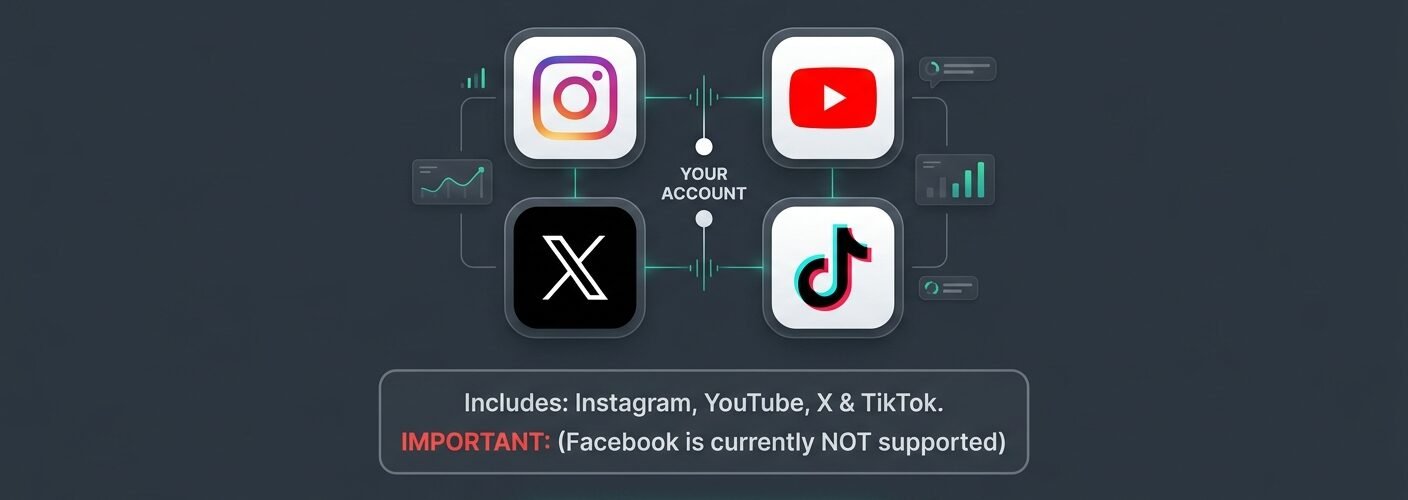
The four platforms are Instagram, TikTok, X and YouTube. Facebook is not among them.
If you have read anything else I have written you will know I tell builders to run Facebook and Instagram, and that Facebook is usually where the local enquiry starts, in community groups and recommendation threads. None of that activity appears in this report.
So whatever you learn here covers part of your presence, not all of it. Treat it as one window, not the whole view.
The genuinely useful part
Here is where it earns its keep for a small local business, and it is not the part the headlines are covering.
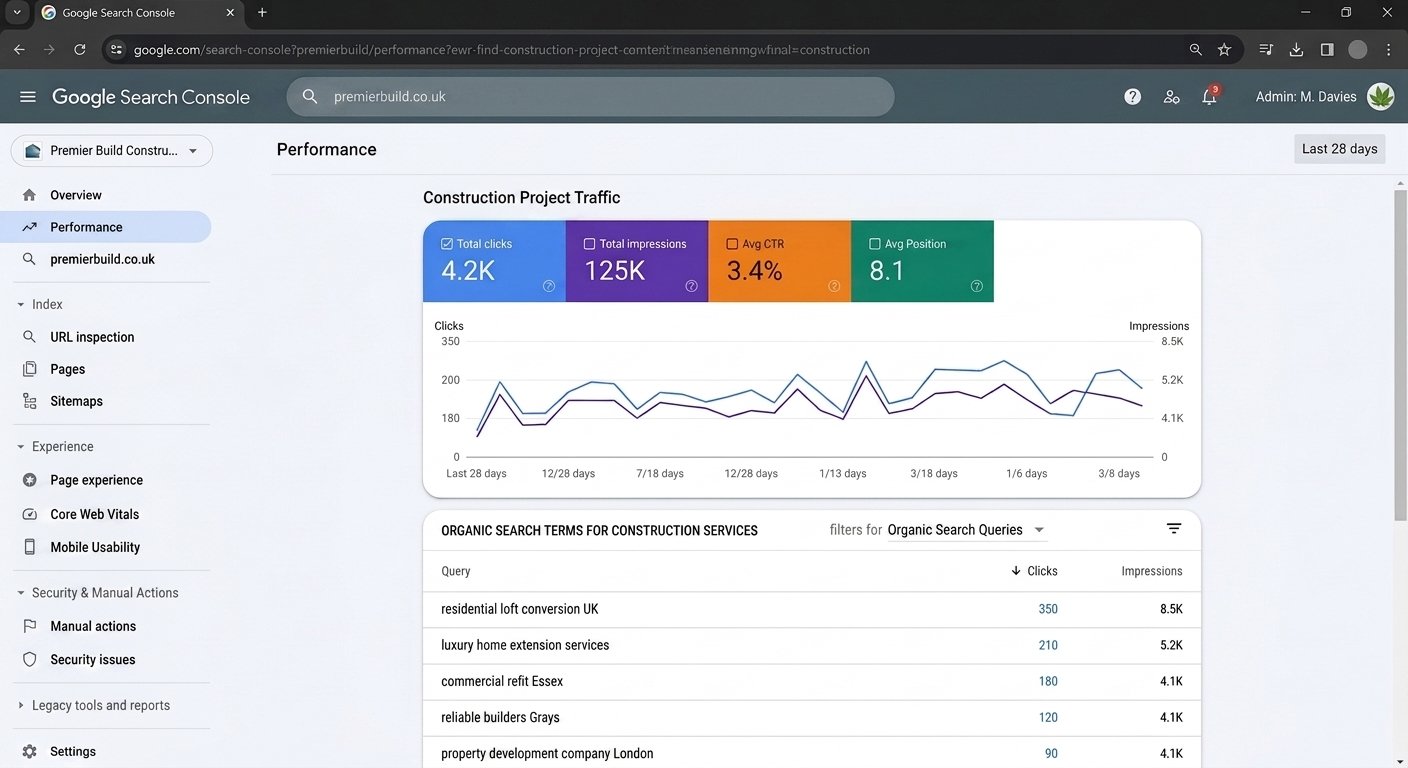
Google's guide confirms you can see the actual search terms people used before landing on your profile or on a specific post, and it suggests using those terms to plan your next caption and hashtag strategy.
For a builder, that is the first time you get to see the words real people typed. Not what you assume they type. Not what a keyword tool guesses. The actual phrasing.
You might find people arriving at your work through wording you would never have written yourself. Homeowners rarely search the way tradespeople talk. You might say "single storey rear extension". They might type something much plainer, or lead with the problem rather than the job.
Once you can see it, you write the way they search. Captions in their words rather than yours. That does not guarantee you anything, but it is a better guess than the one you were making before.
My inference, not Google's
The trades application here is my own reading of the data. Google's documentation is written for creators and publishers, and makes no claims about local service businesses specifically.
Who will get something out of this today
Be realistic about volume.
That is not a flaw in the tool. It is who the tool was built for. Google's own examples are creators and publishers, not local contractors.
The verdict
Connect it anyway, and connect it now.
Two reasons. It costs about fifteen minutes and nothing else. And the reporting starts from the day you connect, so a thin report today becomes a useful one in three months. Waiting until you are curious means waiting another three months after that.
Do not expect it to change anything on its own. Do expect it to slowly tell you what your customers are actually typing.
How to set it up
Google may move these screens, so if what you see does not match, work from Google's own help documentation rather than any blog, including this one.
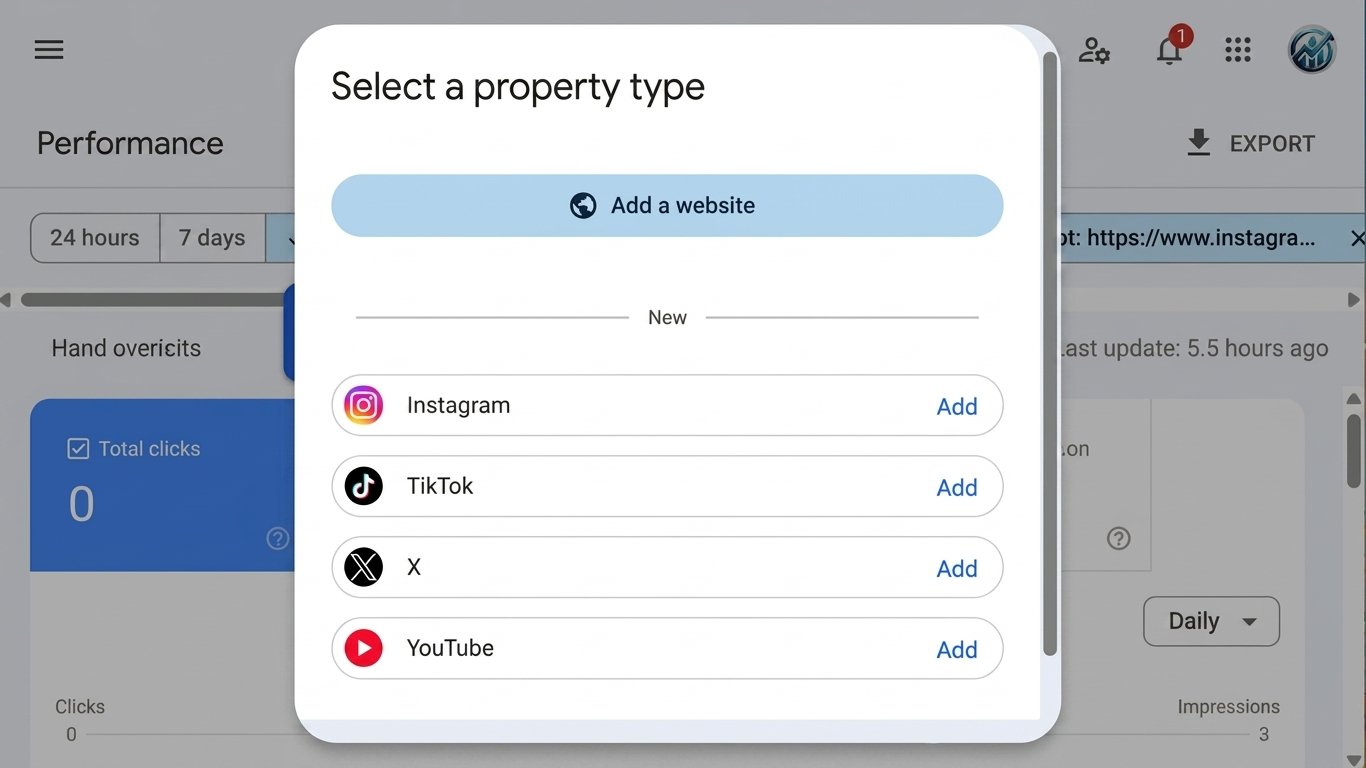
Go to Search Console
Sign in with the Google account you use for the business.
Add a property
Choose the platform you want to connect from the platform property option.
Authorise the account
You add and verify each account separately. Instagram and YouTube are two properties, not one.
Check for auto-population
If you have already claimed your Search profile, your verified accounts may appear automatically. Check before you set anything up twice.
Write down the date you connected
That is your starting line, and you will want it later.
Start with Instagram if you only do one. It is the platform most trades already use out of the four.
What to look at, once a month
Twenty minutes, not an afternoon.
- Query groups in Insights. Which themes are trending up, which are trending down. That tells you what to make more of.
- Top-performing posts. Which specific jobs or clips are pulling people in from Google.
- The search terms themselves. The most valuable column on the page. Copy the phrasing into your next few captions.
- The 24-hour view, but only if something has clearly taken off. If a post is moving, put the same subject on your other channels quickly rather than letting it run alone.
If nothing much is happening, do nothing. Checking a flat report weekly is a way of feeling busy.
What it will not tell you
It will not tell you that you won a job.
It reports discovery on Google surfaces. Clicks, impressions, search terms, countries. It cannot tell you whether the person who found your Reel rang you a week later, and it cannot see anything happening on Facebook at all.
So keep doing the boring thing that actually works. When an enquiry comes in, ask where they found you and write it down. Four seconds, and it is the only thing that connects any of this to money in the bank.
I would rather tell you that than sell you a dashboard.
If you would rather someone kept an eye on this for you
Watching platform changes, setting up measurement properly and turning what it shows into content that reflects how your customers actually search is part of what I do.
If you want visibility faster than social alone will give you, Facebook and Instagram ads for trades sets out how the managed service works, what it costs and what is included, with a full PDF and no email required.
Book a free 20 minute callNot ready for that? Work out what doing it yourself is really costing you first, with the free DIY or Delegate calculator. It uses your numbers, not mine.
Frequently asked questions
Does connecting my Instagram to Search Console improve my Google ranking?
No. It is a measurement tool. It reports how your content is already being found and changes nothing about your position.
Does it cover Facebook?
No. Instagram, TikTok, X and YouTube only. If Facebook is where most of your activity is, this report will not see it.
Is it free?
Yes. Search Console is free and platform properties are part of it.
How long before there is anything to look at?
It reports from the date you connect. If you post rarely, expect a thin report for a while, which is why connecting now rather than later is the point.
Can it tell me how many enquiries I got?
No. It reports clicks, impressions and search terms on Google surfaces. Ask every caller where they found you and write it down. That is still the only reliable way.
Do I need a website to use it?
No. Google built platform properties so creators without websites can use them too.
Sources: Google Search Central Blog, Search Console now supports social and video platforms, published 7 July 2026 (launch date, four platforms, Search and Discover coverage). Google Search Central, Analyze your social and video platform content performance, last updated 29 July 2026 (Insights and Performance reports, 28-day trends, query data, filters, 24-hour view, query groups, separate account verification, using query data for captions). Google Search Console Help, About platform properties, July 2026 (adding each account as its own property). The trades application, verdict and monthly review routine are my own inference. Google's documentation is written for creators and publishers. AI supported.